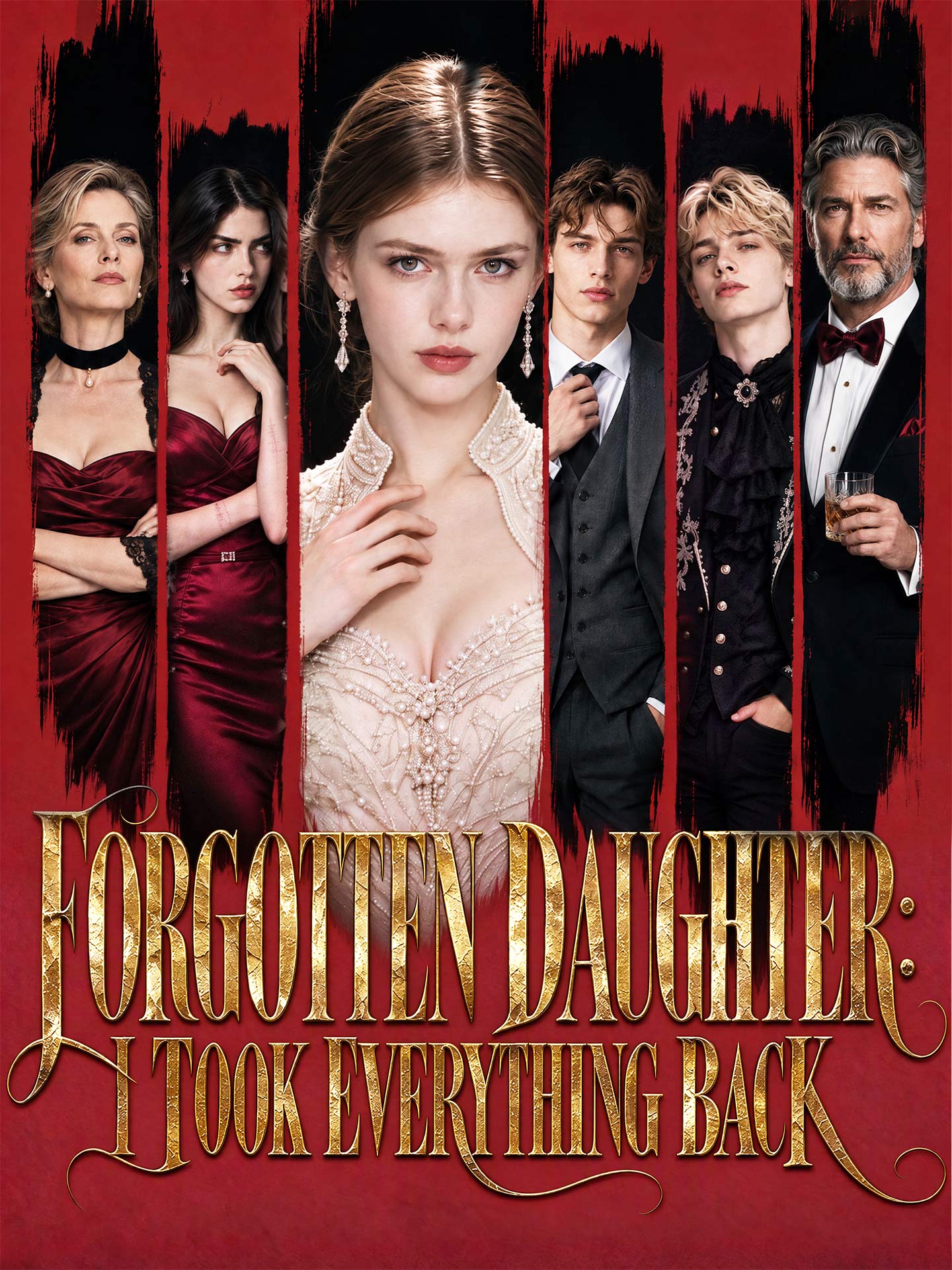
For two years, Olivia Sinclair has suspected her husband, Nathan Clarke, of cheating. The only person she trusts to help uncover the truth is her devoted older sister, Victoria—until Olivia catches them together at her mother’s birthday celebration. The betrayal doesn’t end there. Bound by a powerful mafia alliance, both families demand Olivia stay silent, protect their reputation, and accept sharing her husband. When Nathan’s violent defense of Victoria sends Olivia to the hospital, she loses her unborn child—while everyone else rushes to comfort her sister. With the help of attorney Carter, she discovers the fortune her grandfather left her—and the devastating truth that her family has spent years stealing it. Their mansions, businesses, and perfect lives were all built with her money. As she moves to reclaim everything they took, two powerful families begin to crumble. They never imagined she would become the woman who takes them down.
Forgotten Daughter: I Took Everything Back est un court drama vertical (9:16) de 50 épisodes. Regardez chaque épisode gratuitement sur AnyDrama — sans application, directement dans votre navigateur.
Nous publions de nouveaux dramas et épisodes sur Telegram chaque jour. Rejoignez le canal pour les voir avant tout le monde.
Rejoindre sur Telegram · @anydramatvRegardez Forgotten Daughter: I Took Everything Back gratuitement sur AnyDrama — 50 épisodes de GoodShort. Les nouveaux épisodes restent synchronisés ; commencez par l’épisode 1 ci-dessus.
Chaque épisode de Forgotten Daughter: I Took Everything Back est diffusé gratuitement sur AnyDrama — directement dans votre navigateur, sans installer d'application. Quand un épisode se termine, le suivant démarre automatiquement.
For two years, Olivia Sinclair has suspected her husband, Nathan Clarke, of cheating. The only person she trusts to help uncover the truth is her devoted older sister, Victoria—until Olivia catches them together at her mother’s birthday celebration. The betrayal doesn’t end there. Bound by a powerful mafia alliance, both families demand Olivia stay silent, protect their reputation, and accept sharing her husband. When Nathan’s violent defense of Victoria sends Olivia to the hospital, she loses her unborn child—while everyone else rushes to comfort her sister. With the help of attorney Carter, she discovers the fortune her grandfather left her—and the devastating truth that her family has spent years stealing it. Their mansions, businesses, and perfect lives were all built with her money. As she moves to reclaim everything they took, two powerful families begin to crumble. They never imagined she would become the woman who takes them down.
Forgotten Daughter: I Took Everything Back compte 50 épisodes, chacun de quelques minutes au format vertical de court drama.
Forgotten Daughter: I Took Everything Back compte 50 épisodes d'environ une à trois minutes chacun, vous pouvez donc regarder toute la série en 50–150 minutes environ.
Oui — les 50 épisodes de Forgotten Daughter: I Took Everything Back sont entièrement gratuits, sans compte ni abonnement.
Forgotten Daughter: I Took Everything Back vient de GoodShort. Sur AnyDrama, vous regardez ses 50 épisodes gratuitement dans votre navigateur, sans l'appli GoodShort ni inscription.
Oui — AnyDrama retient l'épisode et le moment où vous vous êtes arrêté sur cet appareil, vous pouvez donc commencer sur votre téléphone et continuer plus tard. Vous pouvez aussi ajouter Forgotten Daughter: I Took Everything Back à votre liste.
Les courts dramas verticaux sont faits pour le téléphone : une à trois minutes par épisode, une seule scène et un suspense à la fin. Les 50 épisodes de Forgotten Daughter: I Took Everything Back font ensemble à peu près la durée d'un film.
Actualisez la page et réessayez ; si cela persiste, changez de connexion (Wi-Fi ↔ données mobiles) ou videz le cache du navigateur. Si un épisode ne se lance toujours pas, envoyez le titre et le numéro d'épisode via notre page de contact.
Utilisez le bouton des sous-titres dans la barre inférieure du lecteur pour les activer ou les désactiver et changer leur taille ; votre choix s'applique aux épisodes suivants.