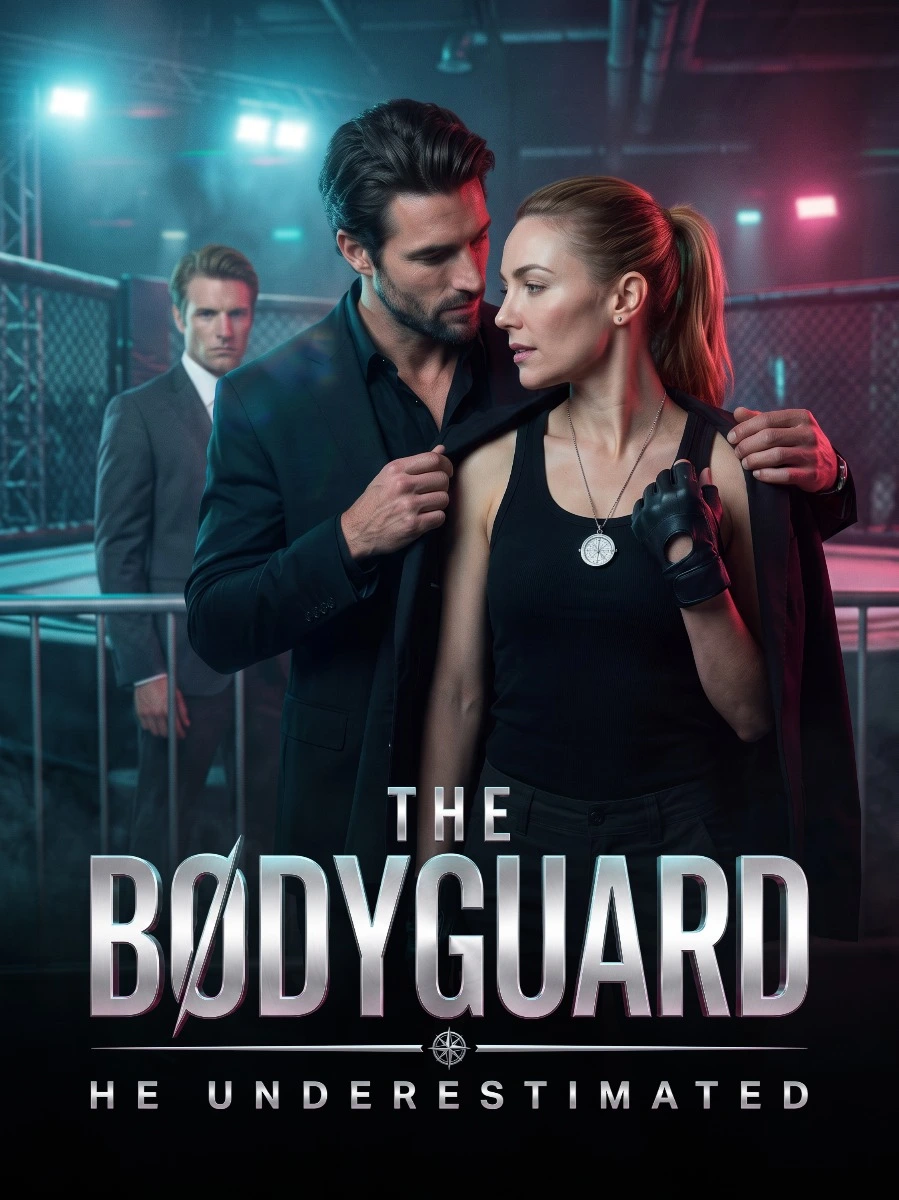
Rodeo queen Jessie is framed for fraud by the fiancé who sold their baby and told her the child died. Years later, she's hired as nanny to a little girl who looks right through her — for a father hunting the woman he can't forget.
Rodeo Girl is a vertical (9:16) short drama with 15 episodes. Watch every episode free on AnyDrama — no app needed, right in your browser.
We drop new dramas and fresh episodes on Telegram every day. Join the channel and you’ll see them before anyone else.
Join on Telegram · @anydramatvWatch Rodeo Girl free on AnyDrama — 15 episodes from Shortical. New episodes stay in sync; start from Episode 1 above.
Every episode of Rodeo Girl plays free on AnyDrama — right in your browser, with no app to install. When one episode ends, the next starts automatically.
Rodeo queen Jessie is framed for fraud by the fiancé who sold their baby and told her the child died. Years later, she's hired as nanny to a little girl who looks right through her — for a father hunting the woman he can't forget.
Rodeo Girl has 15 episodes, each a few minutes long in vertical short-drama format.
Rodeo Girl has 15 episodes of about one to three minutes each, so you can watch the whole series in roughly 15–45 minutes.
Yes — all 15 episodes of Rodeo Girl are completely free, with no account and no subscription.
Rodeo Girl comes from Shortical. On AnyDrama you can watch all 15 episodes free in your browser — no Shortical app and no sign-up.
Yes — AnyDrama remembers the episode and the moment you stopped at on this device, so you can start on your phone and continue later. You can also add Rodeo Girl to your list.
Vertical short dramas are made for phones: one to three minutes per episode, a single scene, and a cliffhanger at the end. The 15 episodes of Rodeo Girl add up to about a feature-length story.
Refresh the page and try again; if it continues, switch your connection (Wi-Fi ↔ mobile data) or clear your browser cache. If an episode still will not play, send the title and episode number through our contact page.
Use the subtitle button on the player's bottom bar to turn captions on or off and resize them; your choice carries over to later episodes.