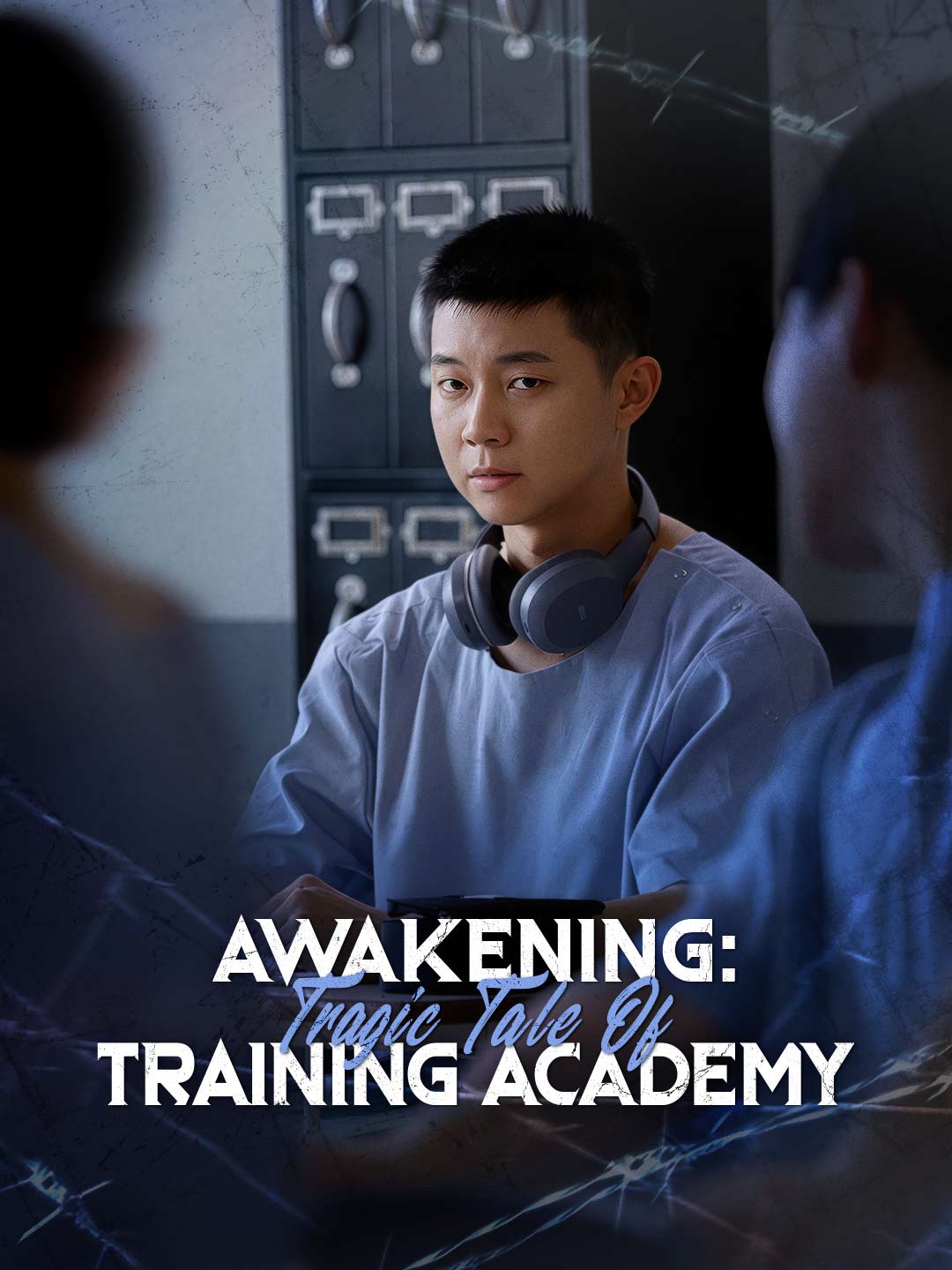
대학 시절 첫사랑 노라와 헤어진 지 5년. 잘나가는 광고인 본은 그녀와 우연히 재회해 새로운 파트너로 일하게 된다. 하지만 본이 진심을 고백하려 할 때마다 그의 의식은 5년 전의 자신으로 타임슬립한다. 이별의 원인이 된 실수를 만회하고자 과거를 다시 쓰기로 결심하지만, 과거가 바뀔 때마다 현재가 뒤바뀌고 만다. 노라의 마음을 되돌리려면 본은 그동안 외면해 온 단 하나의 과제와 마주해야 한다. 바로 그녀에게 진실을 털어놓는 것이다.
타임리밋 로맨스 is a vertical (9:16) short drama with 60 episodes. Watch every episode free on AnyDrama — no app needed, right in your browser.
We drop new dramas and fresh episodes on Telegram every day. Join the channel and you’ll see them before anyone else.
Join on Telegram · @anydramatvWatch 타임리밋 로맨스 free on AnyDrama — 60 episodes from ReelShort. New episodes stay in sync; start from Episode 1 above.
Every episode of 타임리밋 로맨스 plays free on AnyDrama — right in your browser, with no app to install. When one episode ends, the next starts automatically.
대학 시절 첫사랑 노라와 헤어진 지 5년. 잘나가는 광고인 본은 그녀와 우연히 재회해 새로운 파트너로 일하게 된다. 하지만 본이 진심을 고백하려 할 때마다 그의 의식은 5년 전의 자신으로 타임슬립한다. 이별의 원인이 된 실수를 만회하고자 과거를 다시 쓰기로 결심하지만, 과거가 바뀔 때마다 현재가 뒤바뀌고 만다. 노라의 마음을 되돌리려면 본은 그동안 외면해 온 단 하나의 과제와 마주해야 한다. 바로 그녀에게 진실을 털어놓는 것이다.
타임리밋 로맨스 has 60 episodes, each a few minutes long in vertical short-drama format.
타임리밋 로맨스 has 60 episodes of about one to three minutes each, so you can watch the whole series in roughly 60–180 minutes.
Yes — all 60 episodes of 타임리밋 로맨스 are completely free, with no account and no subscription.
타임리밋 로맨스 comes from ReelShort. On AnyDrama you can watch all 60 episodes free in your browser — no ReelShort app and no sign-up.
Yes — AnyDrama remembers the episode and the moment you stopped at on this device, so you can start on your phone and continue later. You can also add 타임리밋 로맨스 to your list.
Vertical short dramas are made for phones: one to three minutes per episode, a single scene, and a cliffhanger at the end. The 60 episodes of 타임리밋 로맨스 add up to about a feature-length story.
Refresh the page and try again; if it continues, switch your connection (Wi-Fi ↔ mobile data) or clear your browser cache. If an episode still will not play, send the title and episode number through our contact page.
Use the subtitle button on the player's bottom bar to turn captions on or off and resize them; your choice carries over to later episodes.