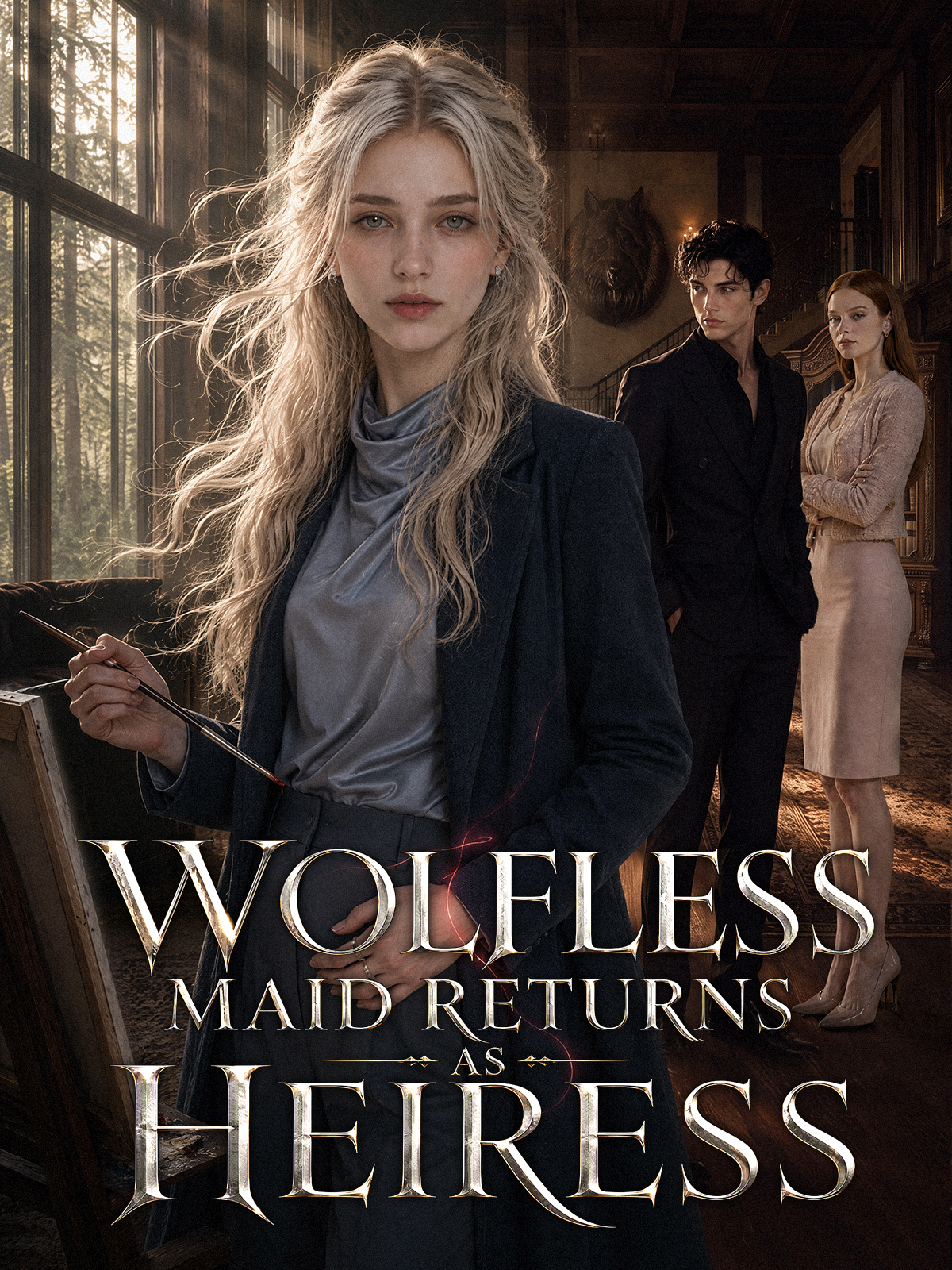
Seven years of a wealthy marriage are rife with betrayal. When her in-laws target her family legacy, Eliza outwits them all to reclaim her life and birthright.
Escape The Gilded Cage is a vertical (9:16) short drama with 43 episodes. Watch every episode free on AnyDrama — no app needed, right in your browser.
We drop new dramas and fresh episodes on Telegram every day. Join the channel and you’ll see them before anyone else.
Join on Telegram · @anydramatvWatch Escape The Gilded Cage free on AnyDrama — 43 episodes from KalosTV. New episodes stay in sync; start from Episode 1 above.
Every episode of Escape The Gilded Cage plays free on AnyDrama — right in your browser, with no app to install. When one episode ends, the next starts automatically.
Seven years of a wealthy marriage are rife with betrayal. When her in-laws target her family legacy, Eliza outwits them all to reclaim her life and birthright.
Escape The Gilded Cage has 43 episodes, each a few minutes long in vertical short-drama format.
Escape The Gilded Cage has 43 episodes of about one to three minutes each, so you can watch the whole series in roughly 43–129 minutes.
Yes — all 43 episodes of Escape The Gilded Cage are completely free, with no account and no subscription.
Escape The Gilded Cage comes from KalosTV. On AnyDrama you can watch all 43 episodes free in your browser — no KalosTV app and no sign-up.
Yes — AnyDrama remembers the episode and the moment you stopped at on this device, so you can start on your phone and continue later. You can also add Escape The Gilded Cage to your list.
Vertical short dramas are made for phones: one to three minutes per episode, a single scene, and a cliffhanger at the end. The 43 episodes of Escape The Gilded Cage add up to about a feature-length story.
Refresh the page and try again; if it continues, switch your connection (Wi-Fi ↔ mobile data) or clear your browser cache. If an episode still will not play, send the title and episode number through our contact page.
Use the subtitle button on the player's bottom bar to turn captions on or off and resize them; your choice carries over to later episodes.