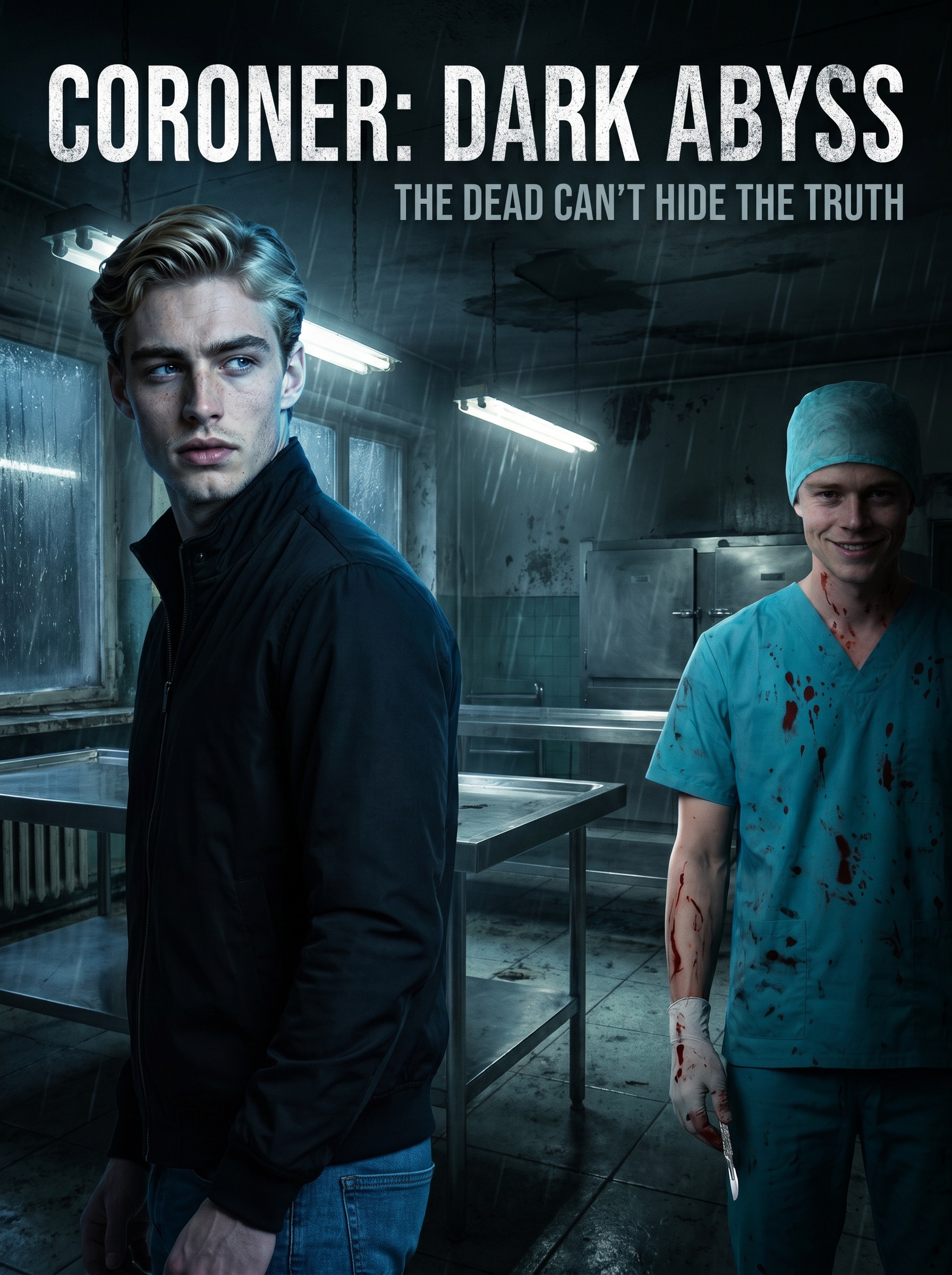
Coroner Daniel gets entangled in a live-streamed serial murder case where clues point to his fiancée's death ten years ago. He tracks down former student Arthur, who confesses—but the real mastermind is his superior, Chief Frank. Daniel chooses justice, turning Frank in.
Coroner:Dark abyss is a vertical (9:16) short drama with 30 episodes. Watch every episode free on AnyDrama — no app needed, right in your browser.
Watch Coroner:Dark abyss free on AnyDrama — 30 episodes from KalosTV. New episodes stay in sync; start from Episode 1 above.
Every episode of Coroner:Dark abyss plays free on AnyDrama — right in your browser, with no app to install. When one episode ends, the next starts automatically.
Coroner Daniel gets entangled in a live-streamed serial murder case where clues point to his fiancée's death ten years ago. He tracks down former student Arthur, who confesses—but the real mastermind is his superior, Chief Frank. Daniel chooses justice, turning Frank in.
Coroner:Dark abyss has 30 episodes, each a few minutes long in vertical short-drama format.
Coroner:Dark abyss has 30 episodes of about one to three minutes each, so you can watch the whole series in roughly 30–90 minutes.
Yes — all 30 episodes of Coroner:Dark abyss are completely free, with no account and no subscription.
Coroner:Dark abyss comes from KalosTV. On AnyDrama you can watch all 30 episodes free in your browser — no KalosTV app and no sign-up.
Yes — AnyDrama remembers the episode and the moment you stopped at on this device, so you can start on your phone and continue later. You can also add Coroner:Dark abyss to your list.
Vertical short dramas are made for phones: one to three minutes per episode, a single scene, and a cliffhanger at the end. The 30 episodes of Coroner:Dark abyss add up to about a feature-length story.
Refresh the page and try again; if it continues, switch your connection (Wi-Fi ↔ mobile data) or clear your browser cache. If an episode still will not play, send the title and episode number through our contact page.
Use the subtitle button on the player's bottom bar to turn captions on or off and resize them; your choice carries over to later episodes.